HERZA Client Area
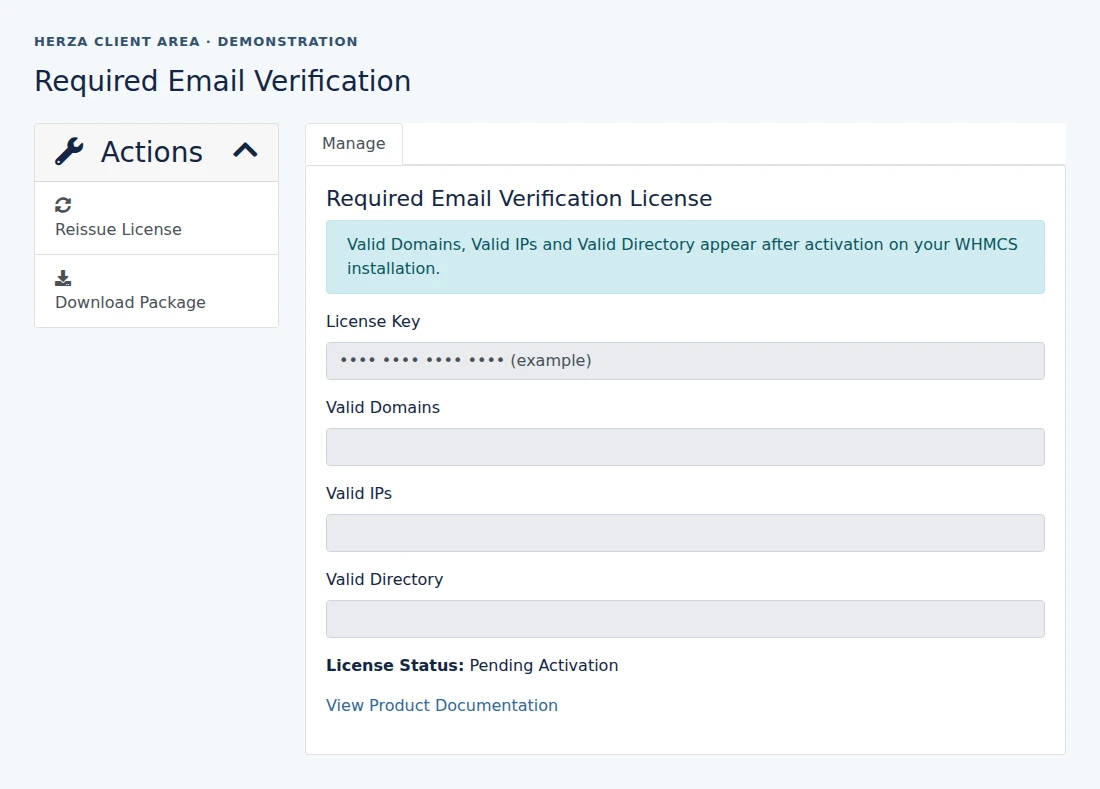
Activate in WHMCS
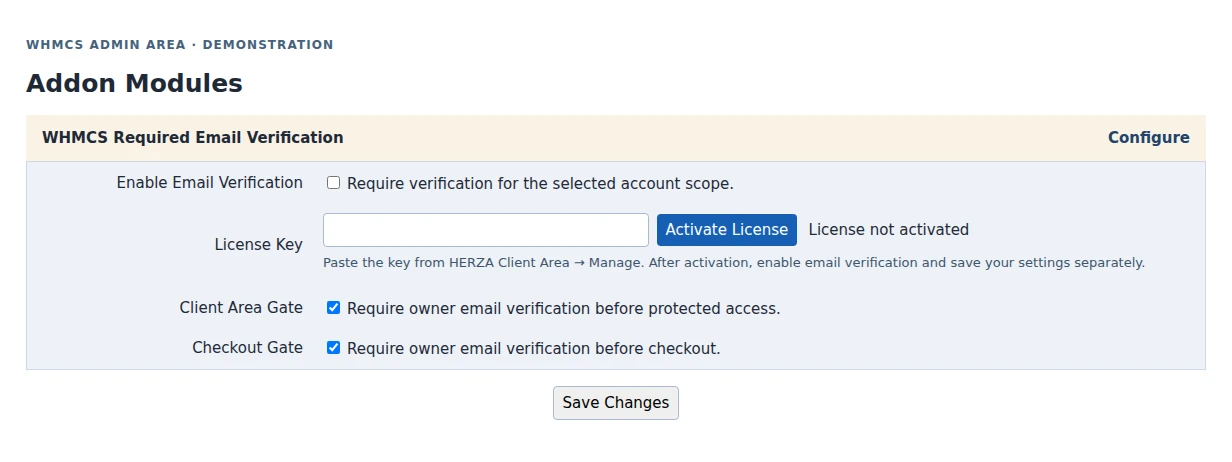
Follow the activation steps.
Customer Verification
The owner signs in or reaches a protected checkout, requests the code, then enters the latest code from their login email. See the configuration guide.
See where to download the ZIP, copy the license key and activate it in the WHMCS Admin Area.
Follow the activation steps.
The owner signs in or reaches a protected checkout, requests the code, then enters the latest code from their login email. See the configuration guide.